

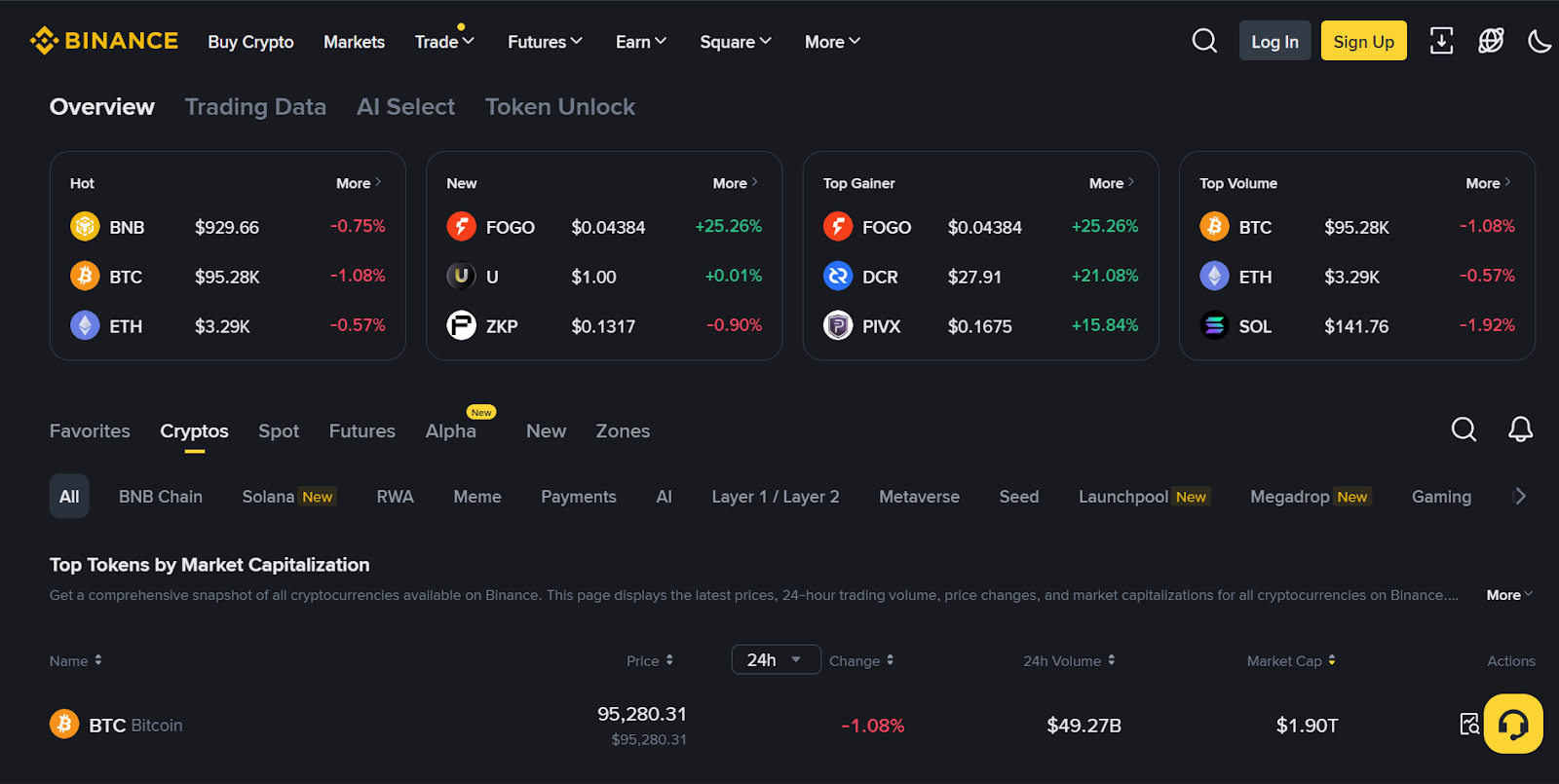
Trading on Binance can seem overwhelming for beginners, but understanding the process step-by-step makes it much more manageable. Binance is one of the largest cryptocurrency exchanges globally, offering a wide range of trading options and tools. This guide will walk you through the essential steps to start trading on Binance efficiently.
First, you need to create an account on Binance. Visit the official website and sign up using your email address or phone number. After registration, verify your identity by submitting necessary documents such as a government-issued ID and proof of address. This verification process enhances security and increases withdrawal limits.
Once your account is set up and verified, secure it by enabling two-factor authentication (2FA). This adds an extra layer of protection by requiring a secondary code from an app like Google Authenticator whenever you log in or perform critical actions.
Next, fund your Binance wallet. You can deposit cryptocurrencies directly from another wallet or purchase cryptocurrencies using fiat currency via bank transfer, credit card, or third-party payment providers available on the platform. Depositing funds into your spot wallet allows you to start trading immediately.
After funding your account, navigate to the “Trade” section where different interfaces are available: Convert (simple swapping), Classic (basic blockmanual trading), and Advanced (more detailed charts and tools). Beginners usually start with Classic mode for ease of use.
To place a trade order, select the trading pair that matches what you want to buy or sell-for example, BTC/USDT if you want to trade Bitcoin against Tether stablecoin. You will see options for various order types: Market Order executes immediately at current prices; Limit Order lets you specify a price at which you’d like to buy or sell; Stop-Limit Orders trigger trades once certain price conditions are met.
Enter the amount of cryptocurrency you wish to trade based on either quantity or percentage of your balance. Review all details carefully before confirming your order submission.
Once submitted, monitor open orders under “Open Orders” tab until they are filled completely or canceled manually if needed. Filled orders reflect in your spot wallet balance instantly after execution.
To maximize potential profits while managing risks effectively over time consider learning technical analysis basics such as reading candlestick charts and indicators offered within Binance’s interface alongside setting stop-loss limits that automatically close positions when prices reach unfavorable levels.
Finally, always keep track of market news affecting cryptocurrencies since price volatility can be high due to regulatory changes or major announcements globally impacting demand and supply dynamics significantly.
In conclusion, starting with small investments while practicing these fundamental steps helps build confidence gradually in crypto trading on Binance’s robust platform before advancing toward more complex strategies involving futures contracts or margin trading available later as experience grows steadily over time.